Thanks for reading
this case study!
Conclusion & Next Steps
Working on Charleta reinforced the importance of designing with users, not just for them. User testing confirmed some of our assumptions while also revealing unexpected usability issues that helped us improve the experience.
If this were a real product, our next steps would include testing with a larger group of older adults, refining accessibility based on new insights, and measuring whether the app successfully encourages long-term social engagement. This project reminded us that thoughtful research and continuous iteration are key to creating meaningful digital experiences.


Final screens
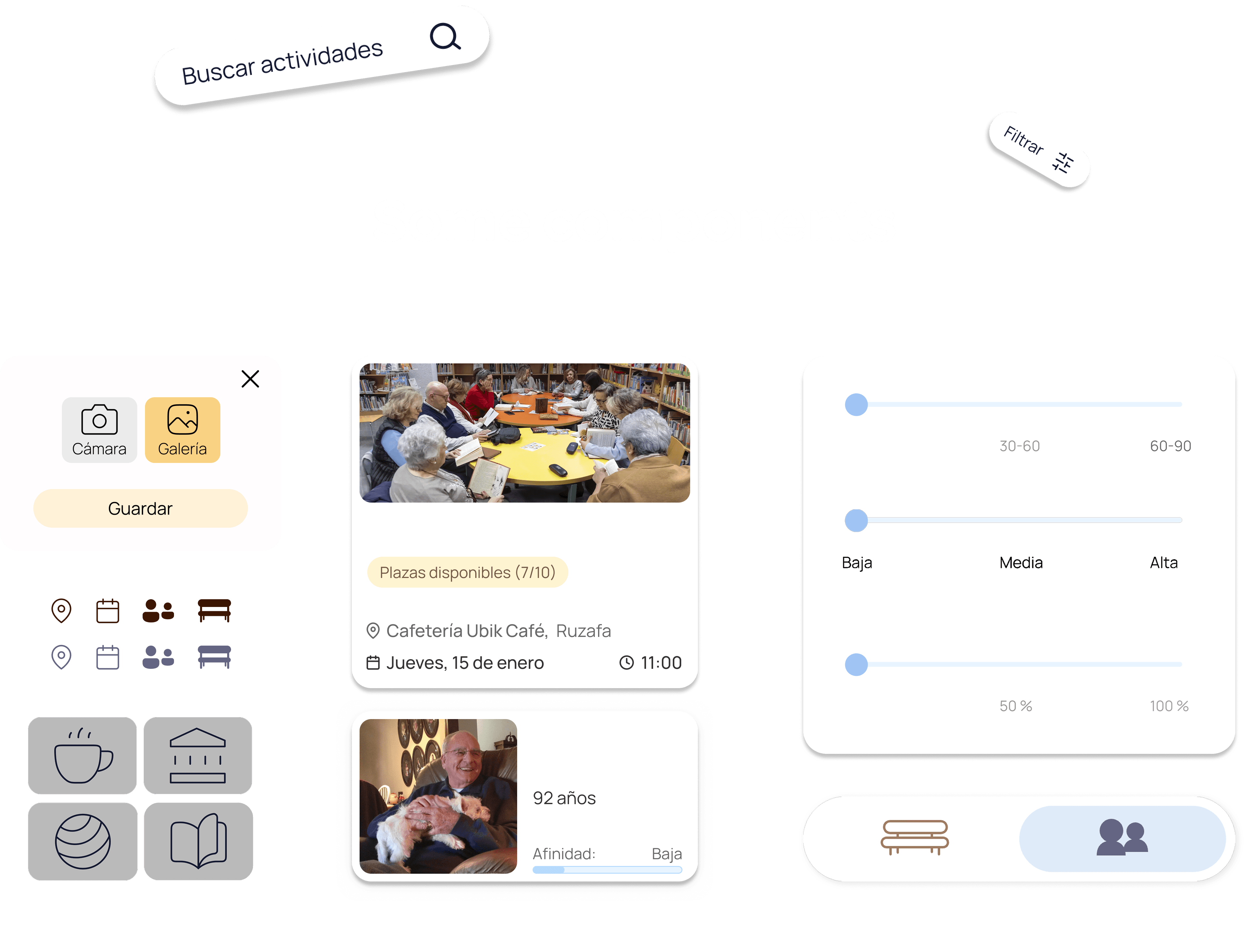
Some components
Cámara
Galería
Guardar




Club de lectura
Plazas disponibles (7/10)
Cafetería Ubik Café, Ruzafa
Jueves, 15 de enero
11:00


José Antonio
92 años
Afinidad:
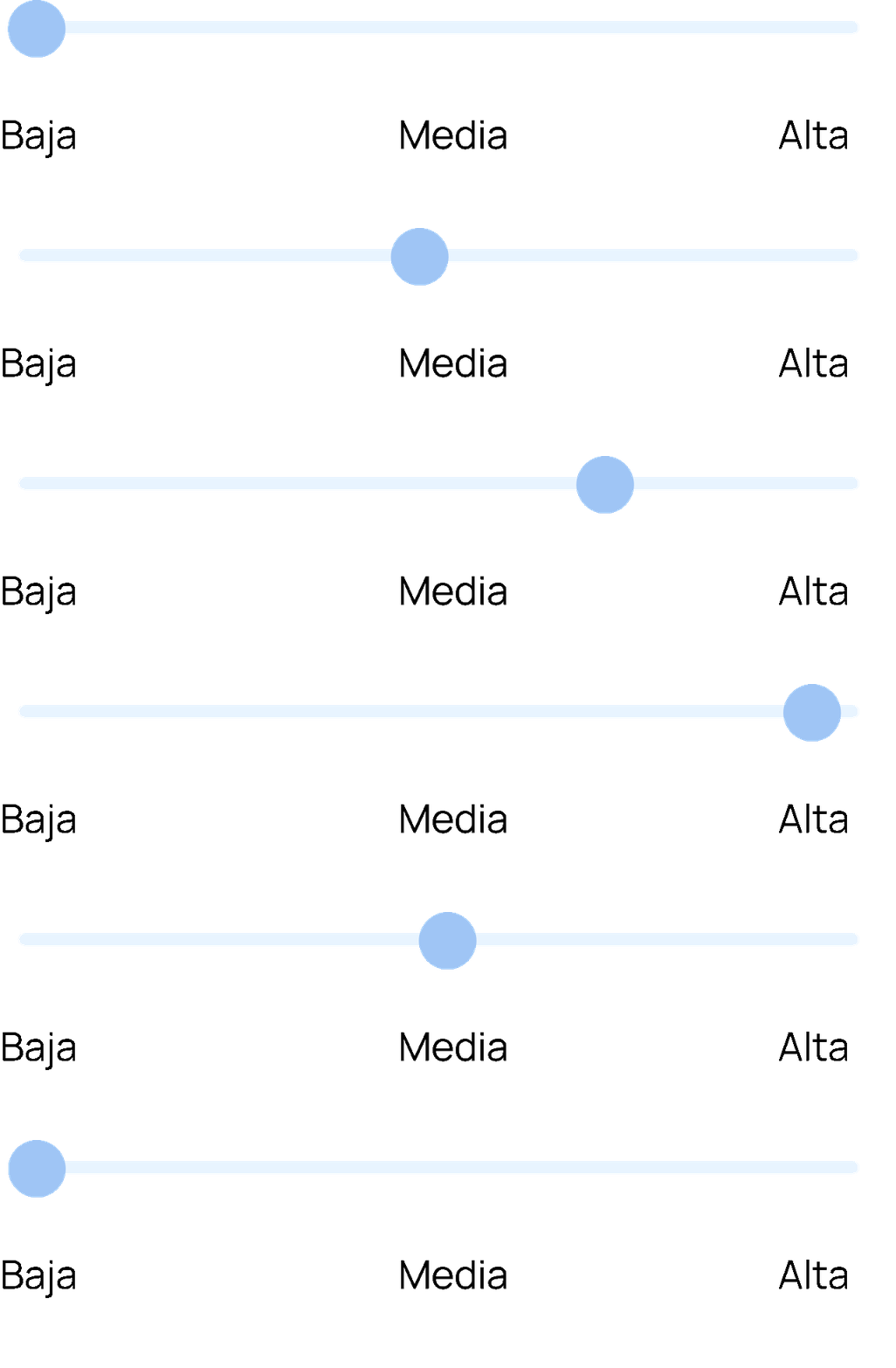
Baja
30-60
18-30
60-90
50 %
0 %
100 %


UX
Improvement
After conducting usability tests in Maze, we identified several friction points and refined the experience to make navigation clearer and task completion easier.
Friction points
Unclear registration flow
Some users needed additional guidance during the registration process and found parts of the flow difficult to follow.
Difficult card interaction
Users expected to access detailed information by tapping anywhere on an activity or profile card, but only specific areas were clickable.
Confusing navigation
Some participants had difficulty understanding certain sections and rarely used filters, preferring to scroll manually instead.
Improvements
Clearer user guidance
Improved instructions, visual hierarchy, and onboarding cues to help users complete tasks with greater confidence.
Fully clickable cards
Made activity and profile cards entirely interactive, allowing users to access detailed information more intuitively.
Simplified navigation
Refined section labels, improved discoverability of key features, and reduced confusion between activity-related screens.

65% of users felt that the app provided clear guidance
Nothing
A lot
Target User
We focused on understanding how older adults experience social isolation, what motivates them to stay active, and the barriers they face when building new social connections.
Difficulty finding activities to match interests
Feeling isolated despite wanting to socialize
Uncertainty when joining new groups alone
Losing long-term friendships due to life changes
Limited visibility of neighborhood activities
Pain points
María Dolores is a retired administrative assistant and has an independent and socially active live.
She became widowed 8 years ago. Although she remains independent and comfortable using technology, many of her closest friends have passed away in recent years. She wants to expand her social circle, meet like-minded people, and remain actively involved in her neighborhood.
María Dolores
Age
72
"I want real friendships and
meaningful conversations."
Female
Valencia
Gender
Location
Rebuild her social circle after losing close friends
Meet people with similar interests and values
Stay active and involved in local community life
Maintain her independence and autonomy
Feel connected without relying on her family
Goals
Research
Conducted interviews with elder people to understand their social habits, needs, and challenges when building new connections.
Issues we found
Many elder people around the age of 75 are affected by loneliness and would like to have more company.
Although they participate less and less in activities, they still highly value being able to go out and socialize.
Feeling part of a community, such as a day center or an activity group, encourages and motivates them.
Often, they don’t participate due to a lack of information, support, or because they feel insecure.

Research
8 weeks
Prototype & testing
6 weeks
Ideation
5 weeks
UI design
5 weeks
Wireframes
4 weeks
Branding
4 weeks
DEC
NOV
OCT
SEP
JAN
Scope of work
Project
Overview
Charleta is an app that connects elder people with activities and neighbors in their community in a simple and personalized way.
An initiative designed to make the neighborhood more accessible, providing clear and meaningful guidance to those who most need it.
Process
Context & Problem
Many older adults want to meet new people, but often struggle to discover local activities and social opportunities.
Research
Conducted interviews with older adults to understand how they build social connections and the barriers they face when joining new communities.
UX
UX Improvement
After identifying communication gaps and social barriers, we designed a solution that helps seniors connect with nearby people and activities.
AB
Testing
Usability tests helped validate the main user flows and revealed opportunities to improve guidance, navigation, and task completion.
UI
UI design
A simple, guided, and intelligent interface designed to help older adults discover activities, connect with neighbors, and feel more confident using technology.


Charleta is an app that connects elder people with activities and neighbors in their community in a simple and personalized way. An initiative designed to make the neighborhood more accessible, providing clear and meaningful guidance to those who most need it.
Collaborative project developed as part of the DDI (Interface Design Expert Diploma) with Carmen, Luis, Karina, and Lucía.
I conducted user interviews and contributed to the UX strategy, app design, and user flows.
Charleta
January, 2026






Scope of work
Scope of work

January, 2026
Collaborative project developed as part of the DDI with Carmen, Luis, Karina, and Lucía.
I conducted user interviews and contributed to the UX strategy, app design, and user flows.
Charleta is an app that connects elder people with activities and neighbors in their community in a simple and personalized way. An initiative designed to make the neighborhood more accessible, providing clear and meaningful guidance to those who most need it.
Charleta